
7.6 KiB
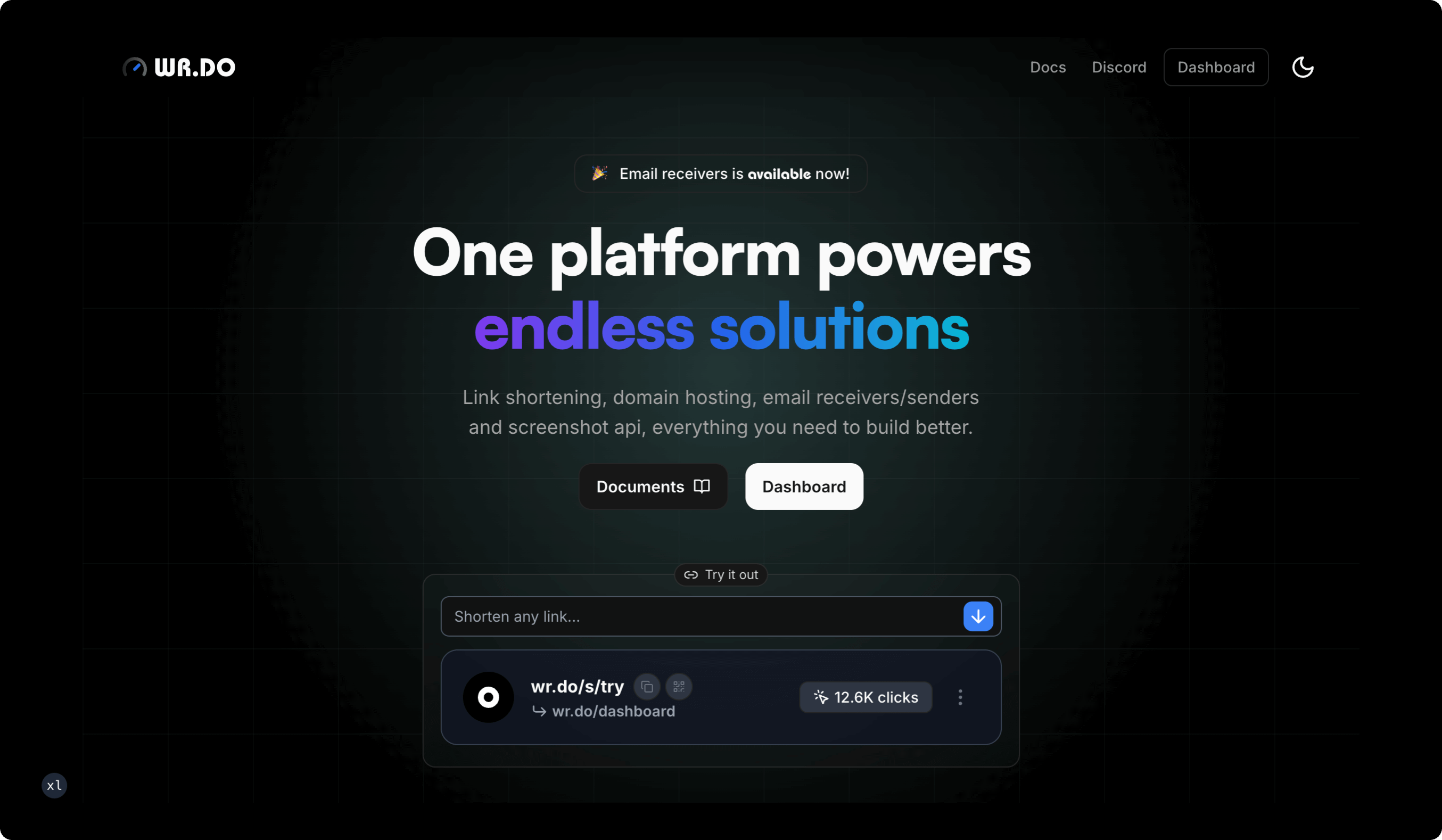
WR.DO
All-in-one domain service platform with integrated short link services, temporary email, subdomain management, file storage, and open API
Official SiteDocs · Feedback · English | 简体中文





 免费体验 Sora AI 视频生成 👉 点击注册
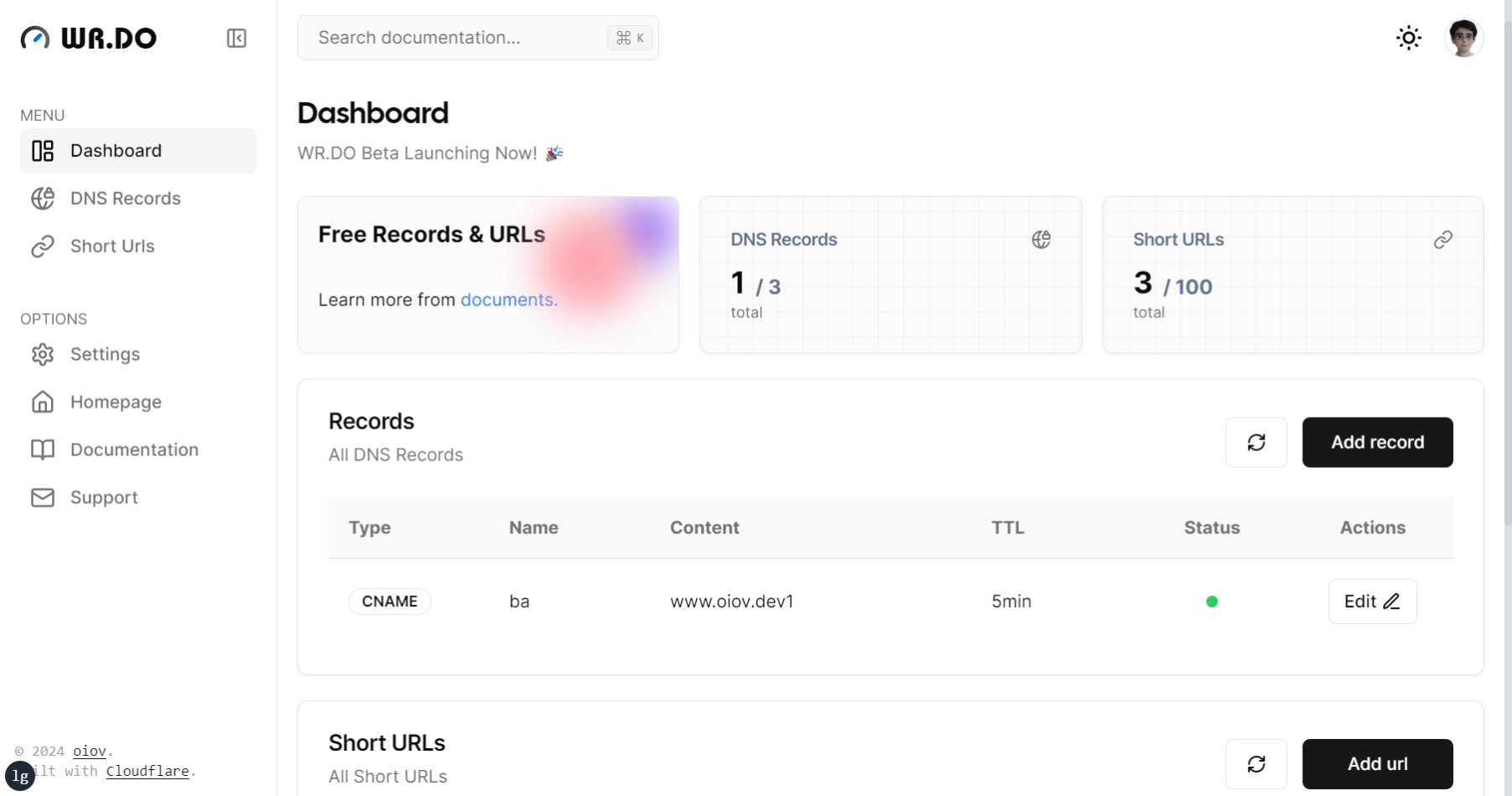
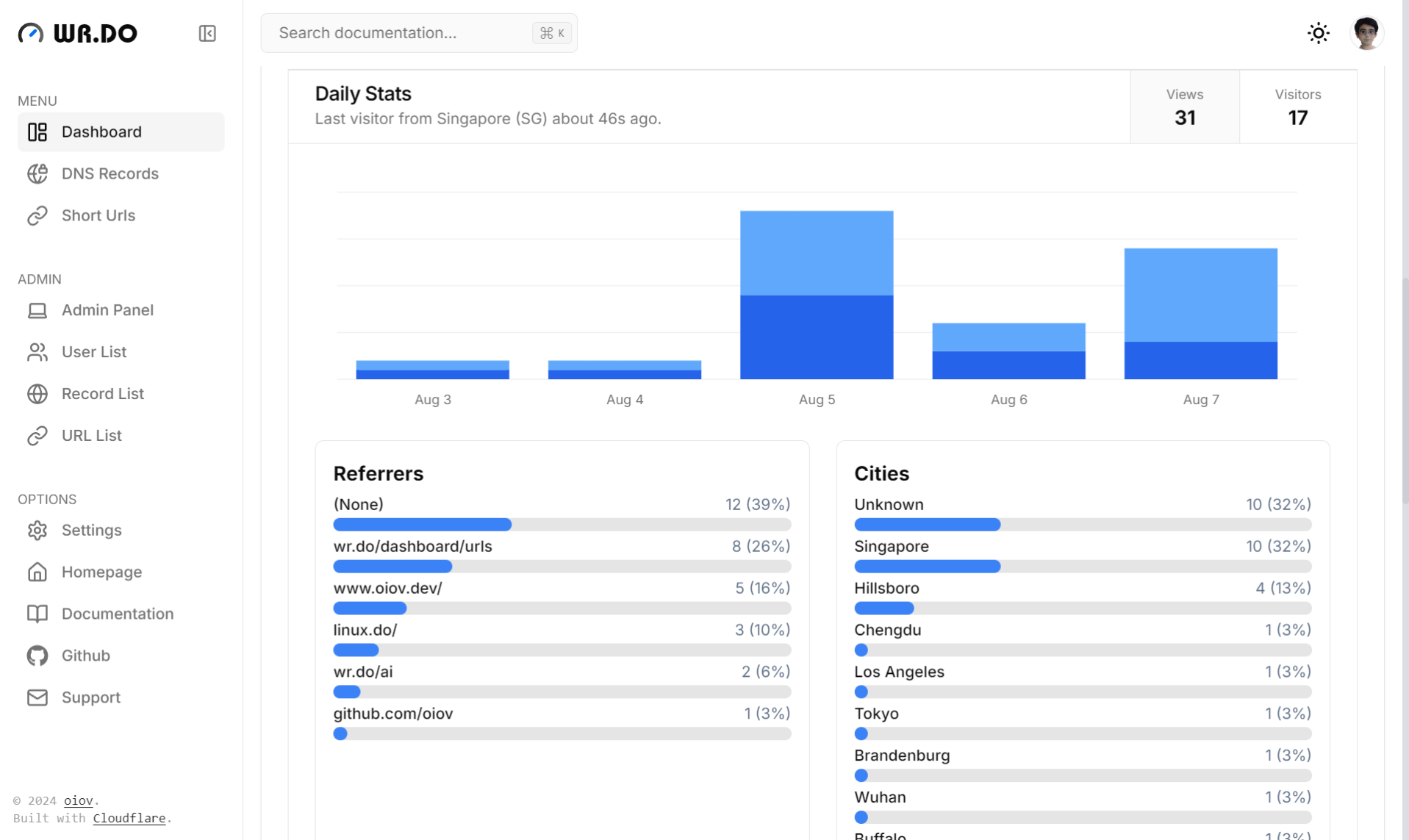
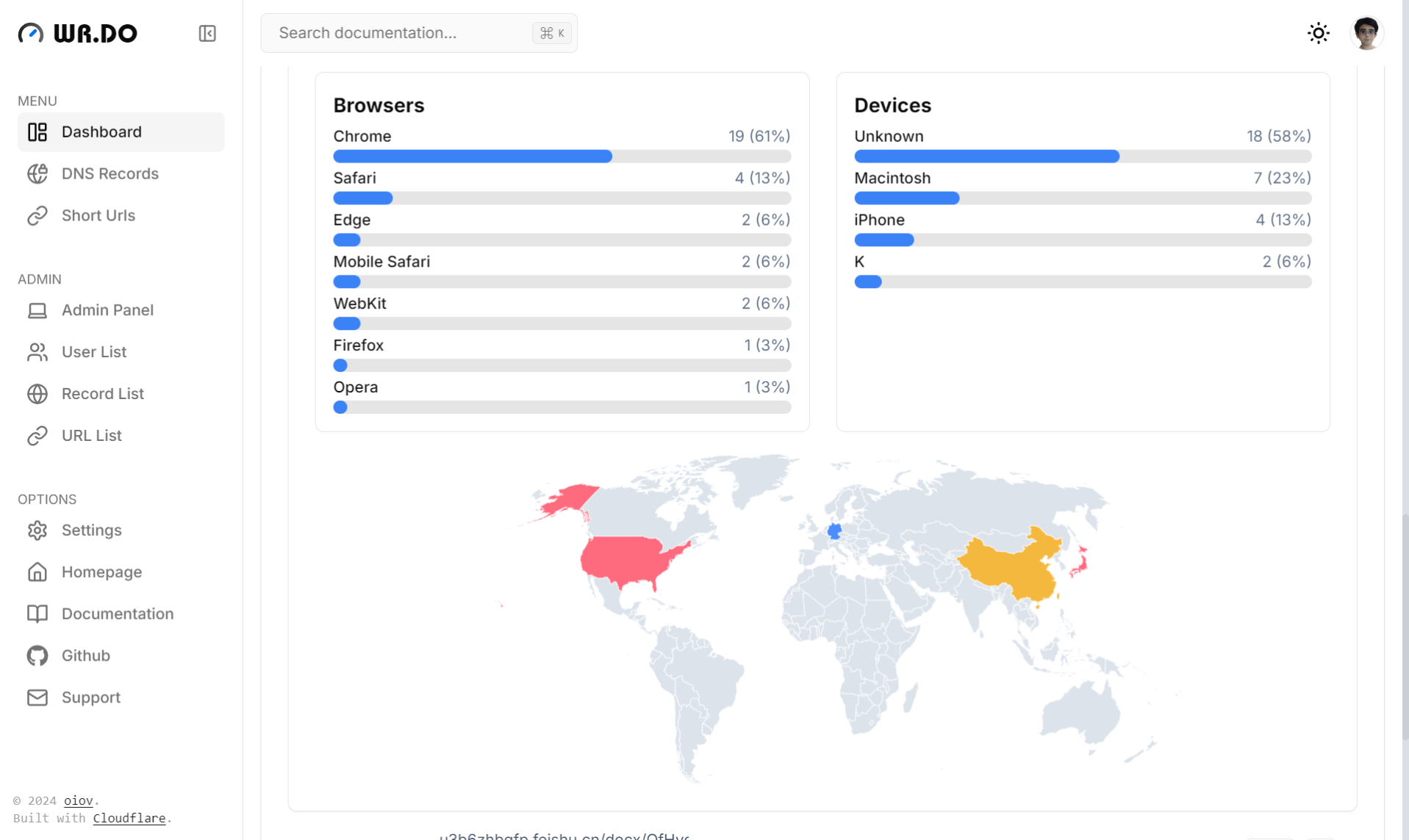
Screenshots
 |
 |
 |
 |
 |
 |
Features
-
🔗 Short Link Service:
- Custom short links
- Generate custom QR codes
- Password-protected links
- Expiration time control
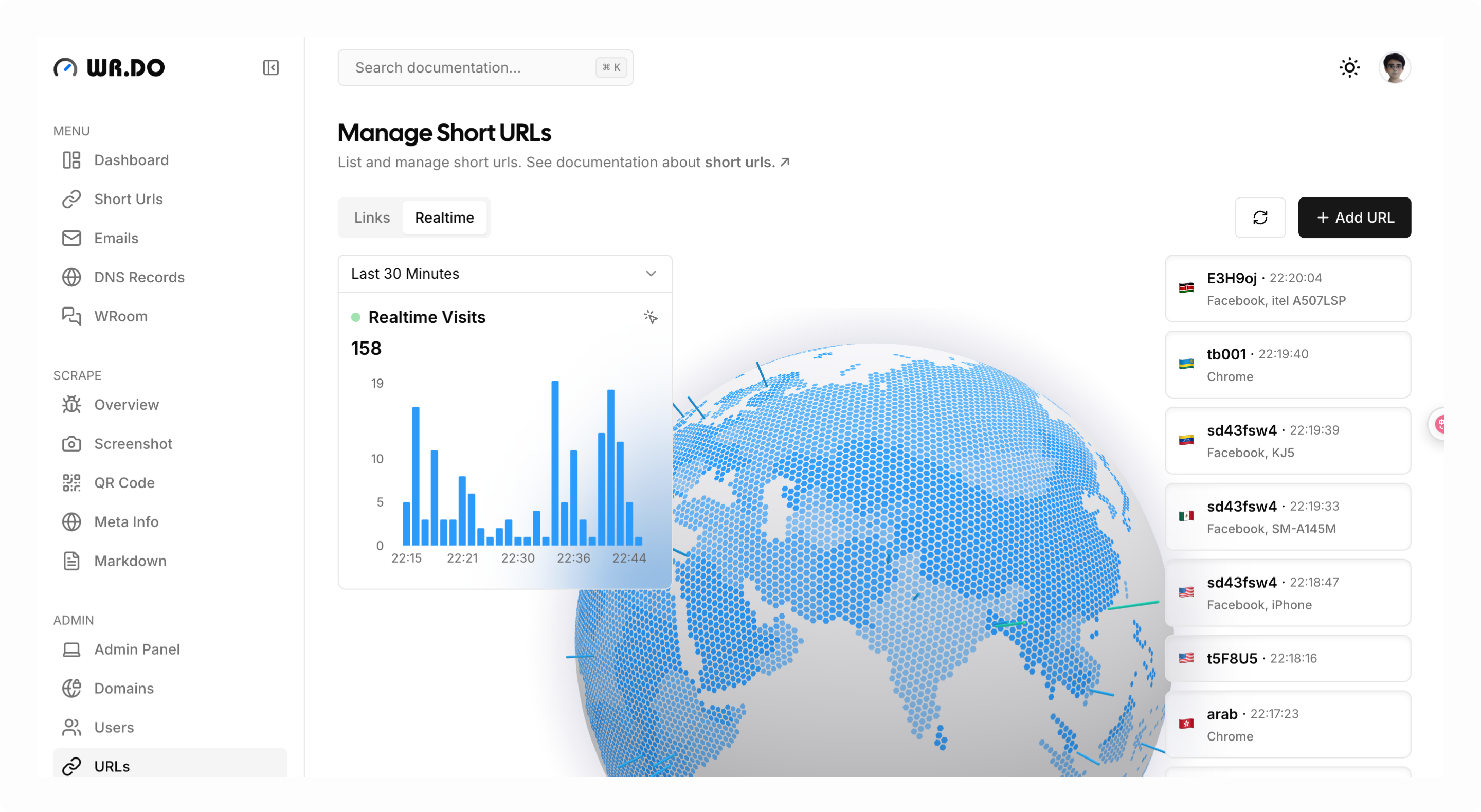
- Access analytics (real-time logs, maps, and multi-dimensional data analysis)
- API integration for link creation
-
📮 Email Service:
- Create custom prefix emails
- Filter unread email lists
- Unlimited mailbox creation
- Receive unlimited emails (powered by Cloudflare Email Worker)
- Send emails (powered by Resend)
- Support catch-all emails
- Support push to telegram groups
- API endpoints for mailbox creation
- API endpoints for inbox retrieval
-
🌐 Subdomain Management Service:
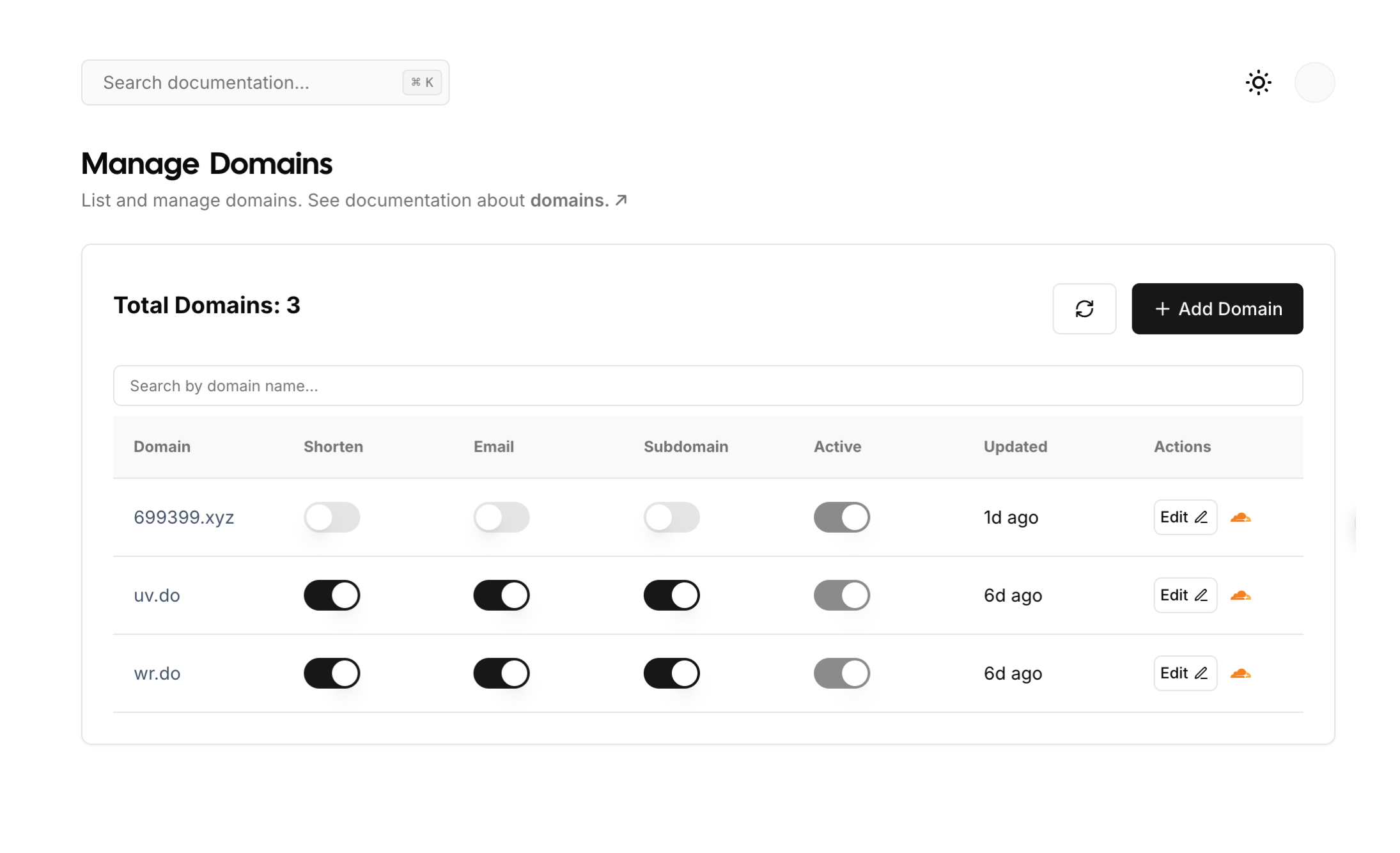
- Manage DNS records across multiple Cloudflare accounts and domains
- Create various DNS record types (CNAME, A, TXT, etc.)
- Support enabling application mode (user submission, admin approval)
- Support email notification of administrator and user domain application status
-
💳 Cloud Storage Service
- Connects to multiple channels (S3 API) cloud storage platforms (Cloudflare R2, AWS S3)
- Supports single-channel multi-bucket configuration
- Dynamic configuration (user quota settings) for file upload size limits
- Supports drag-and-drop, batch, and chunked file uploads
- Supports batch file deletion
- Quickly generates short links and QR codes for files
- Supports online preview of certain file types
- Supports file uploads via API calls
-
📡 Open API Module:
- Website metadata extraction API
- Website screenshot capture API
- Website QR code generation API
- Convert websites to Markdown/Text format
- Comprehensive API call logging and statistics
- User API key generation for third-party integrations
-
🔒 Administrator Module:
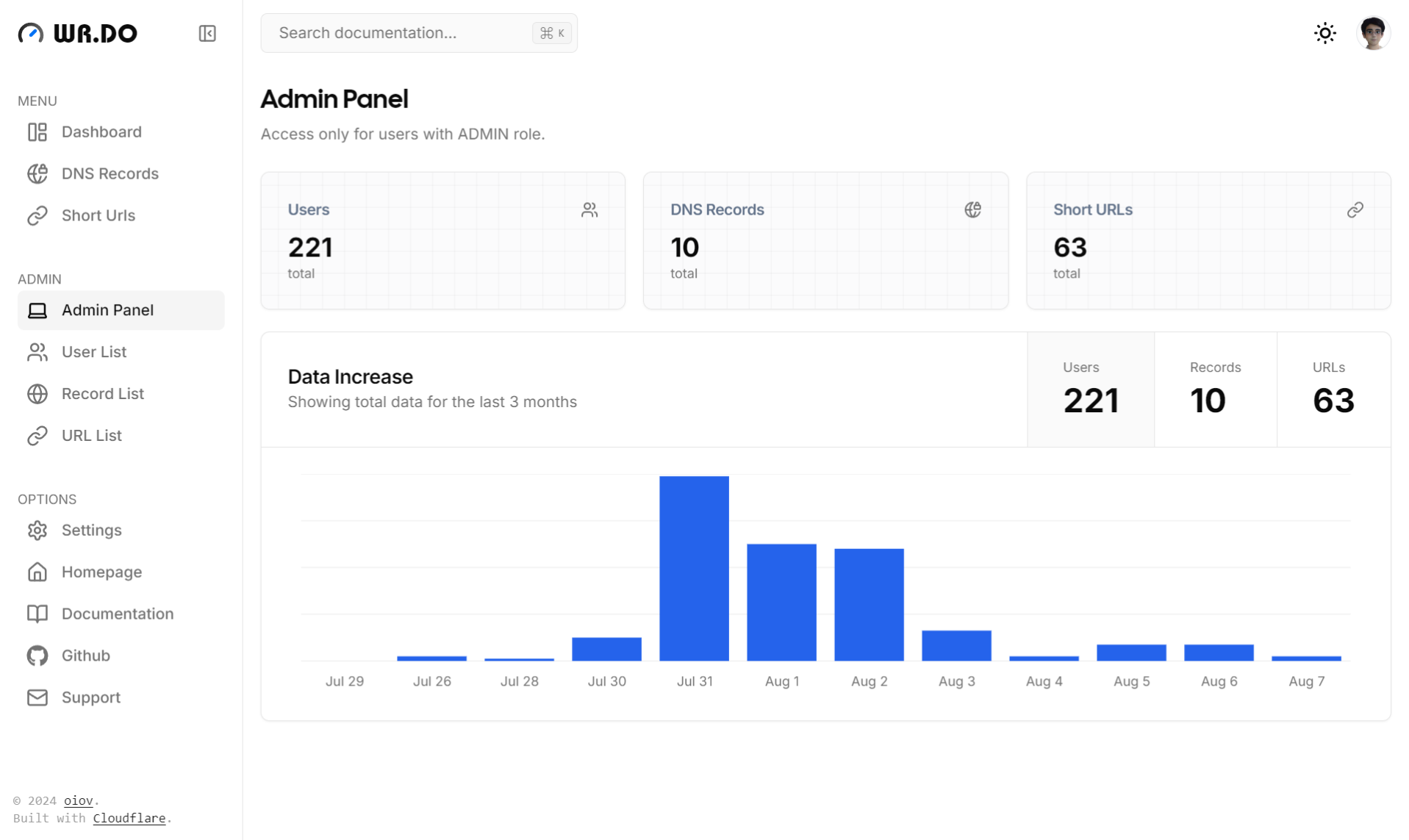
- Multi-dimensional dashboard with website analytics
- Dynamic service configuration (toggle short links, email, subdomain management)
- User management (permissions, quotas, account control)
- Dynamically configure login methods (Google, GitHub, Magic Link, Credentials, LinuxDO)
- Centralized short link administration
- Centralized email management
- Centralized subdomain administration
Quick Start
See step by step installation tutorial at Quick Start for Developer.
Self-hosted
Deploy with Vercel
Remember to fill in the necessary environment variables.
Deploy with Docker Compose
Create a new folder and copy the docker-compose.yml、.env file to the folder.
- wrdo
  | - docker-compose.yml
  | - .env
Fill in the environment variables in the .env file, then:
docker compose up -d
Local development
git clone https://github.com/oiov/wr.do
cd wr.do
pnpm install
copy .env.example to .env and fill in the necessary environment variables.
Init database
pnpm postinstall
pnpm db:push
# run on localhost:3000
pnpm dev
- Default admin account:
admin@admin.com - Default admin password:
123456
Setup Admin Panel
After v1.0.2, this setup guide is not needed anymore
Follow https://localhost:3000/setup
Environment Variables
Via Installation For Developer.
Technology Stack
- Next.js + React + TypeScript
- Tailwind CSS for styling and design
- Prisma ORM as the database toolkit
- Cloudflare as the primary cloud infrastructure
- Vercel as the recommended deployment platform
- Resend as the primary email service
Fork Repository Sync
This project is configured with a sync workflow for the upstream repository oiov/wr.do, featuring:
- 🔄 Manual Sync Trigger - Auto-sync disabled by default, full control over sync timing
- 💬 Auto Comment After Sync - Add detailed sync information to related commits
- 🚨 Smart Error Handling - Auto-create detailed Issues when sync fails
- 🧹 Auto Cleanup Notifications - Automatically close previous sync failure Issues
See How to Trigger Sync for details.
Community Group
- Discord: https://discord.gg/AHPQYuZu3m
- 微信群: