
中文 | English
Self-hosted Docker image acceleration service — one-click deployment for Docker, K8s, Quay, Ghcr, Mcr, Elastic, NVCR and other registry proxy/management services.



📝 Preparation
⚠️ Important: Choose a server located outside China and ensure it is not blocked. For domains, domestic ICP filing is not required. You can obtain free domains from various providers. If you choose to install Caddy during the one-click deployment, HTTPS will be configured automatically. If you choose Nginx, you will need to obtain and configure an SSL certificate yourself (for example via Let's Encrypt or Cloudflare).
Free domain / TLS certificate options
Option 1: Use Acme.sh to automatically obtain and renew Let's Encrypt certificates — guide: https://www.dqzboy.com/16437.html
Option 2: Host your DNS on Cloudflare and enable its free SSL/TLS service.
Option 3: Use third-party providers that offer free DV certificates suitable for personal sites and small projects.
Alternative deployment options if you lack the recommended environment
Scheme 1: Deploy to free or low-cost cloud platforms such as ClawCloud or Render.
Scheme 2: If you have a single server and do not want to use a domain or TLS, configure Docker's /etc/docker/daemon.json with insecure-registries to point to your proxy.
Scheme 3: When deploying from within China, the installer can configure HTTP proxy settings to help install Docker and Docker Compose.
Scheme 4: Use the Cloudflare Workers based proxy project: https://github.com/dqzboy/Workers-Proxy-Docker
If you encounter issues during deployment, check the problem summary: Issue/issue.md. Try to troubleshoot using the documented cases first.
🔨 Features
- One‑click deployment of Docker registry proxy services, supporting multiple upstream registries (Docker Hub, ghcr, quay, k8s, mcr.microsoft.com, docker.elastic.co, nvcr, etc.).
- Automatic environment checks and installation of dependencies (Docker, Docker Compose, Nginx, Caddy, etc.).
- Automatic generation of Nginx/Caddy reverse‑proxy configuration for selected services.
- Optional Docker Hub authentication to pull private images and mitigate Docker Hub rate limits (see docs/issues for configuration).
- Configurable proxy cache TTL (
PROXY_TTL) and IP whitelist/blacklist for access control. - Service management, configuration management, uninstall, and authentication features for day‑to‑day operations.
- One‑click configuration for local Docker daemon proxy and container HTTP proxy (
HTTP_PROXY) — HTTP only. - Installer helpers for servers inside China to work around Docker/Compose installation issues.
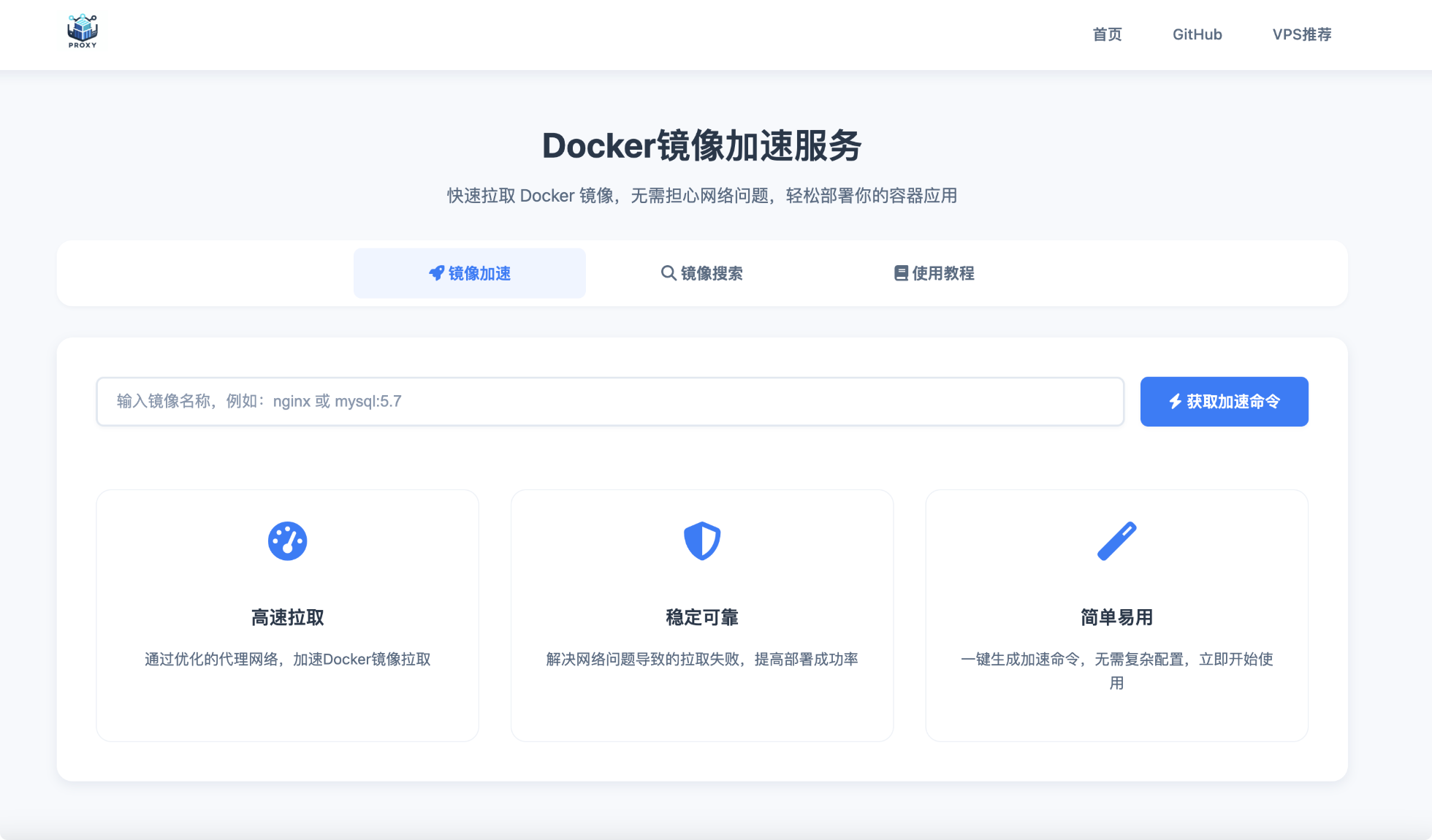
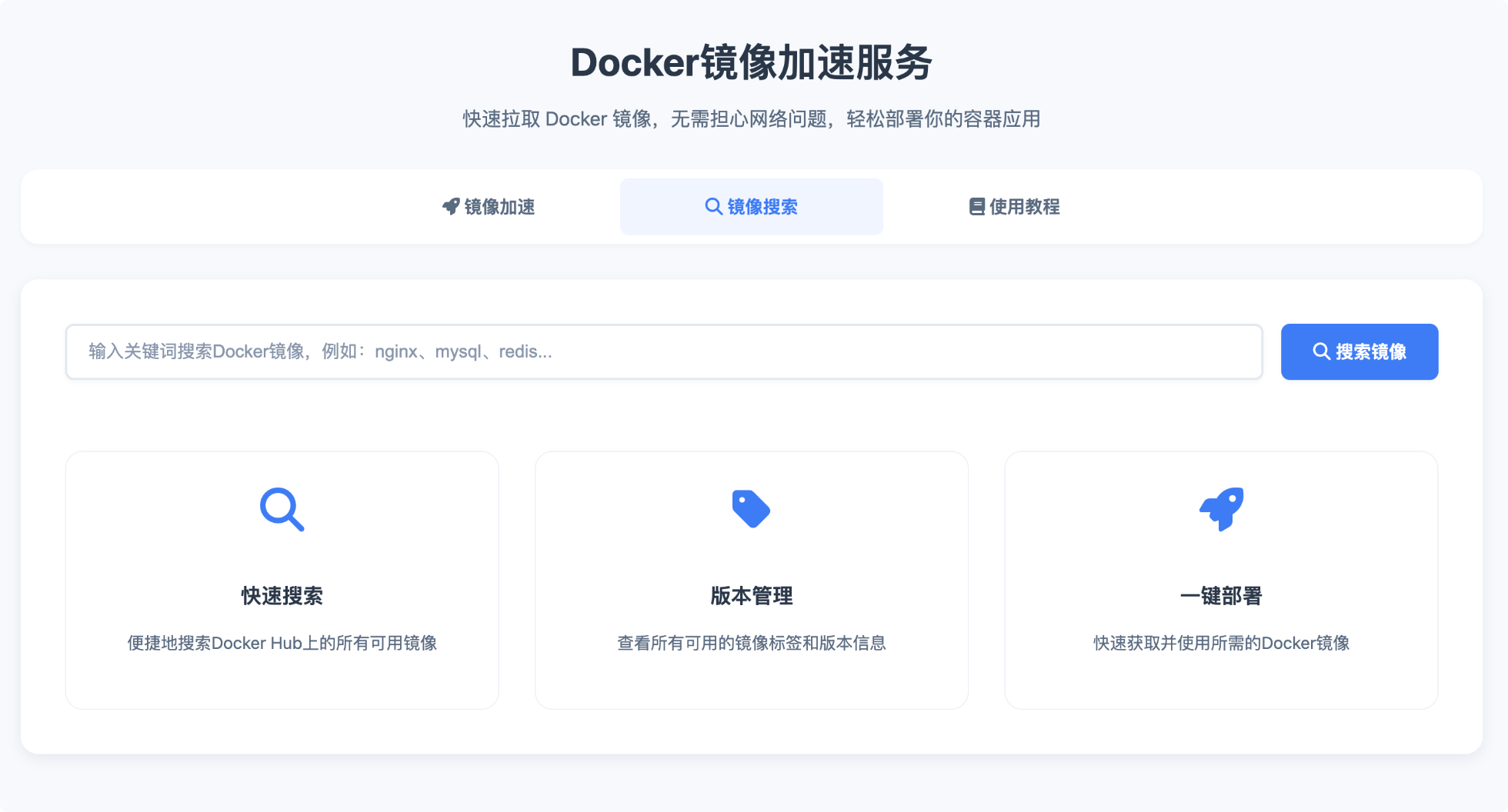
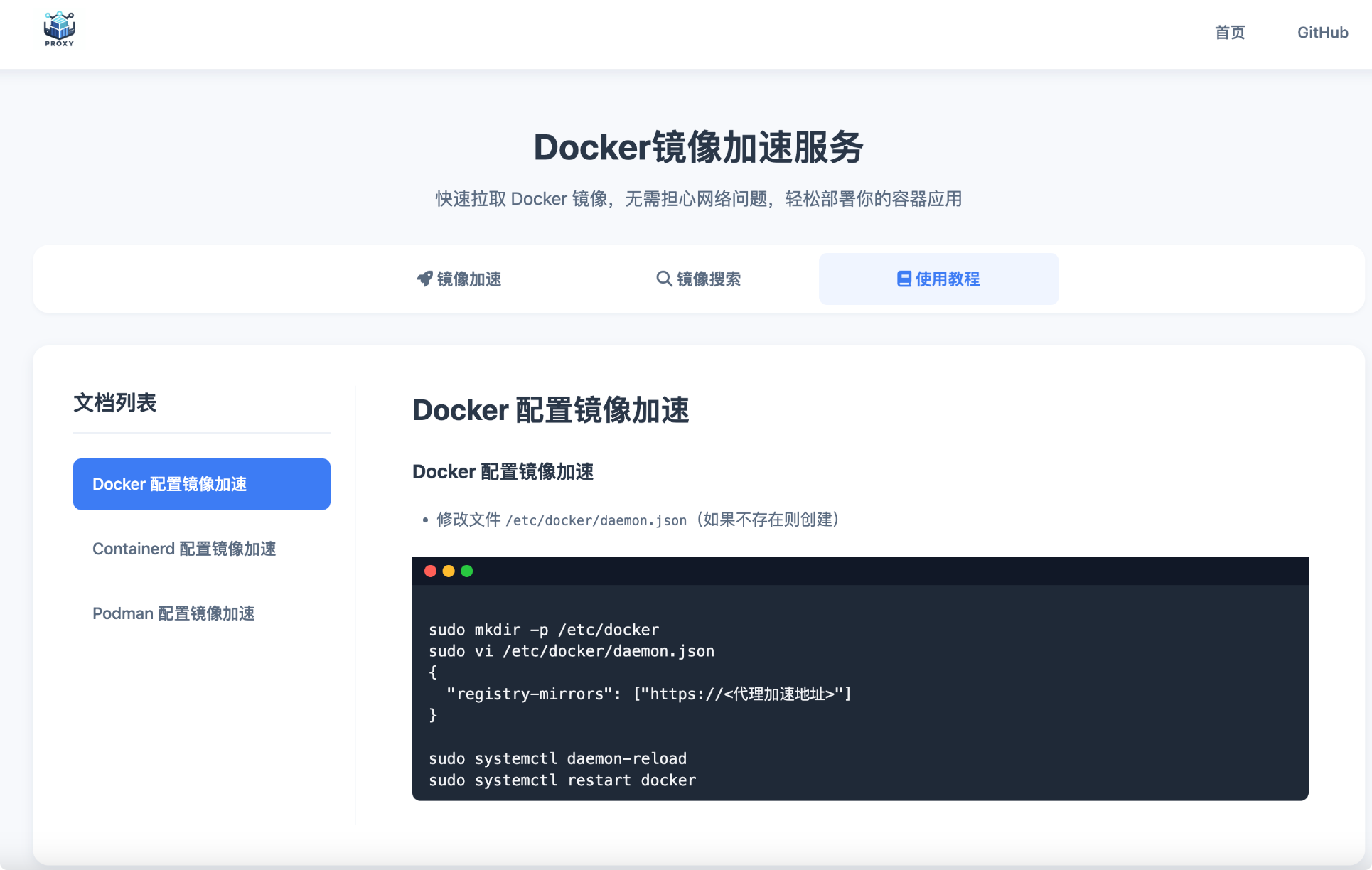
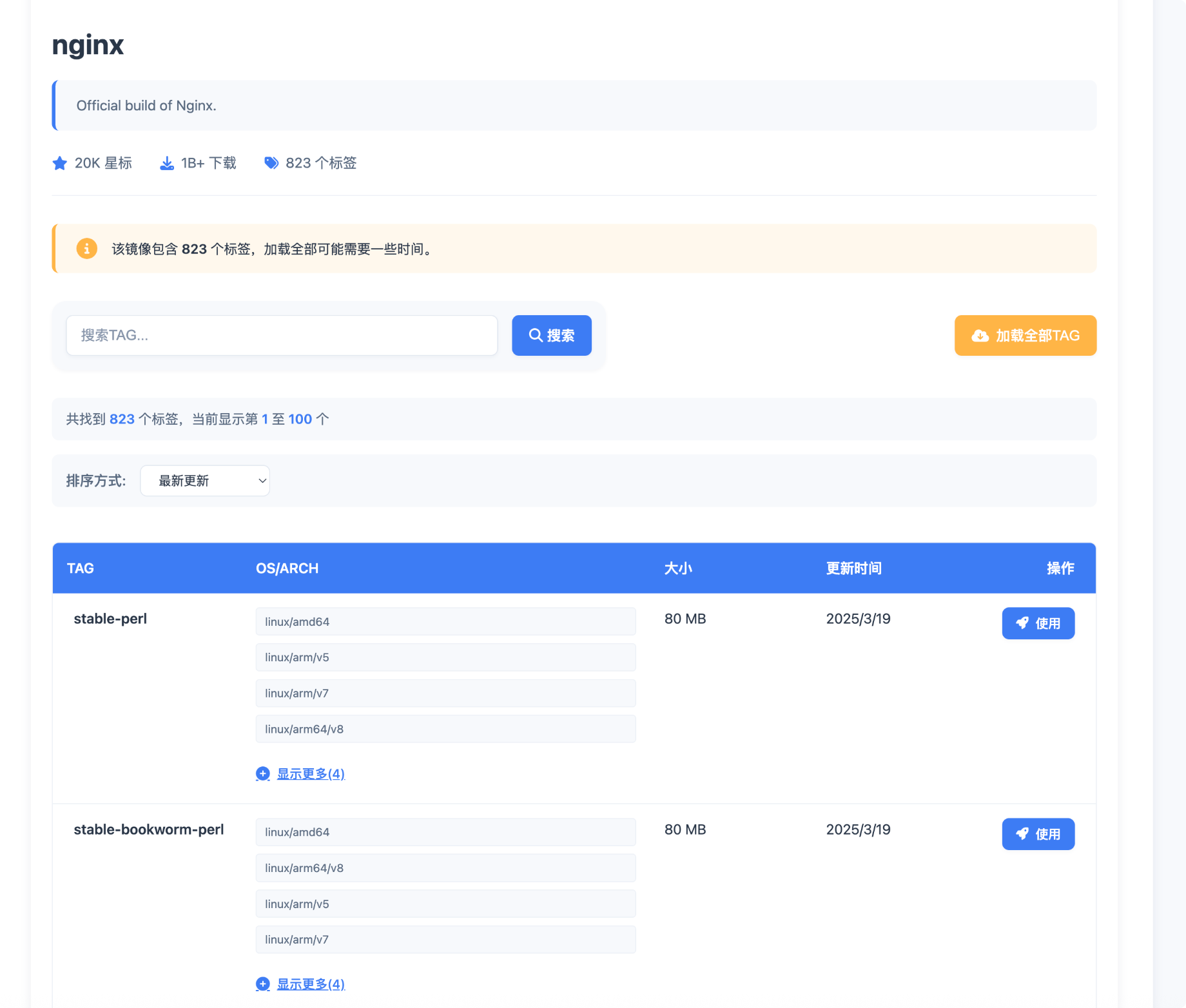
- Includes HubCMD‑UI web panel for browsing, image search, documentation, container management, and monitoring alerts.
📦 Deploy
Deploy using the project installer script
# CentOS / RHEL / Rocky
yum -y install curl
# Ubuntu / Debian
apt -y install curl

# For environments outside China (recommended)
bash -c "$(curl -fsSL https://raw.githubusercontent.com/dqzboy/Docker-Proxy/main/install/DockerProxy_Install.sh)"

# For domestic environments: CDN mirror
bash -c "$(curl -fsSL https://cdn.jsdelivr.net/gh/dqzboy/Docker-Proxy/install/DockerProxy_Install.sh)"

# Alternative GitHub raw proxy
bash -c "$(curl -fsSL https://ghp.ci/https://raw.githubusercontent.com/dqzboy/Docker-Proxy/main/install/DockerProxy_Install.sh)"
- Hubcmd-UI panel can be installed via the installer script. Demo: https://dqzboy.github.io/proxyui/ (use after deployment to see full features).
Run the installer and select options: 2 ---> 8 ---> 1
Deploy to third‑party platforms
Deploy to Claw Cloud
Claw Cloud may provide free credits and easy deployment — see cloud/ClawCloud/README.md for instructions.
Deploy to Render
Render provides free tiers; see cloud/Render/README.md for a quick guide.
Deploy to Koyeb
Koyeb's assigned domains may be unstable for some regions; see cloud/Koyeb/README.md for details.
Docker Compose deployment
Manual container deployment (expand)
⚠️ Note: Download the config file for the registries you need. The docker-compose.yaml includes many services by default — keep only the ones you will run.
-
Download the corresponding
ymlfrom the config directory. -
Download
docker-compose.yamlto the same directory as the config files. -
Start containers:
docker compose up -d

# Start a specific service, for example the Docker Hub proxy
docker compose up -d dockerhub

# View logs
docker logs -f [CONTAINER_ID_OR_NAME]
- If you are not familiar with Nginx or Caddy, you can use any reverse proxy you prefer, or access services directly via IP and port.
✨ Usage guide
Full usage and configuration examples are available in the docs: https://dqzboy.github.io/docs/pages/install.html
💻 HubCMD‑UI
HubCMD‑UI manual installation: hubcmdui/README.md
HubCMD-UI 手动安装教程:点击查看教程
HubCMD-UI 演示环境 点击查看
| 镜像加速 | 镜像搜索 |
 |
 |
| 文档管理 | TAG搜索 |
 |
 |
| 控制面板 | 容器管理 |
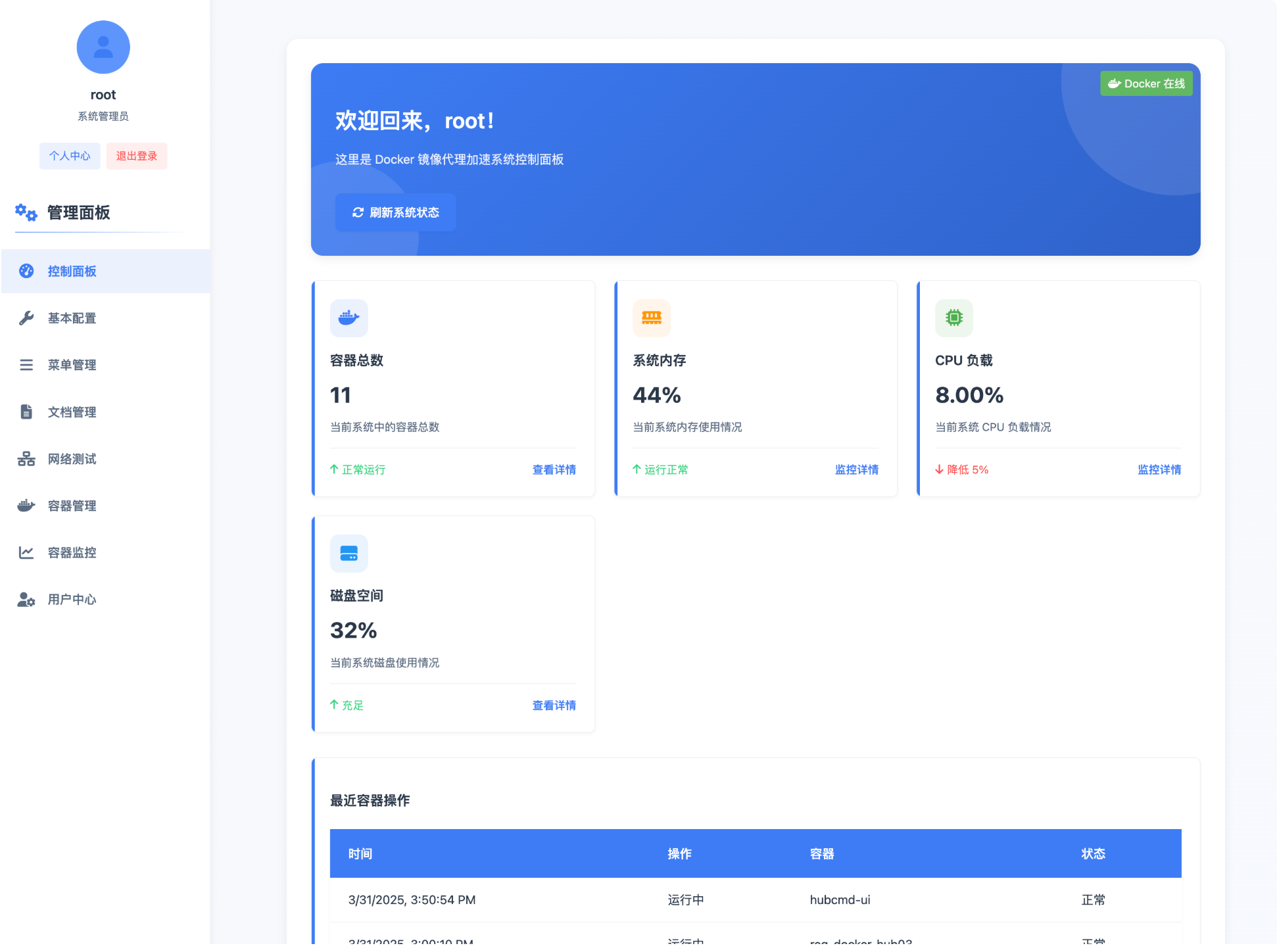 |
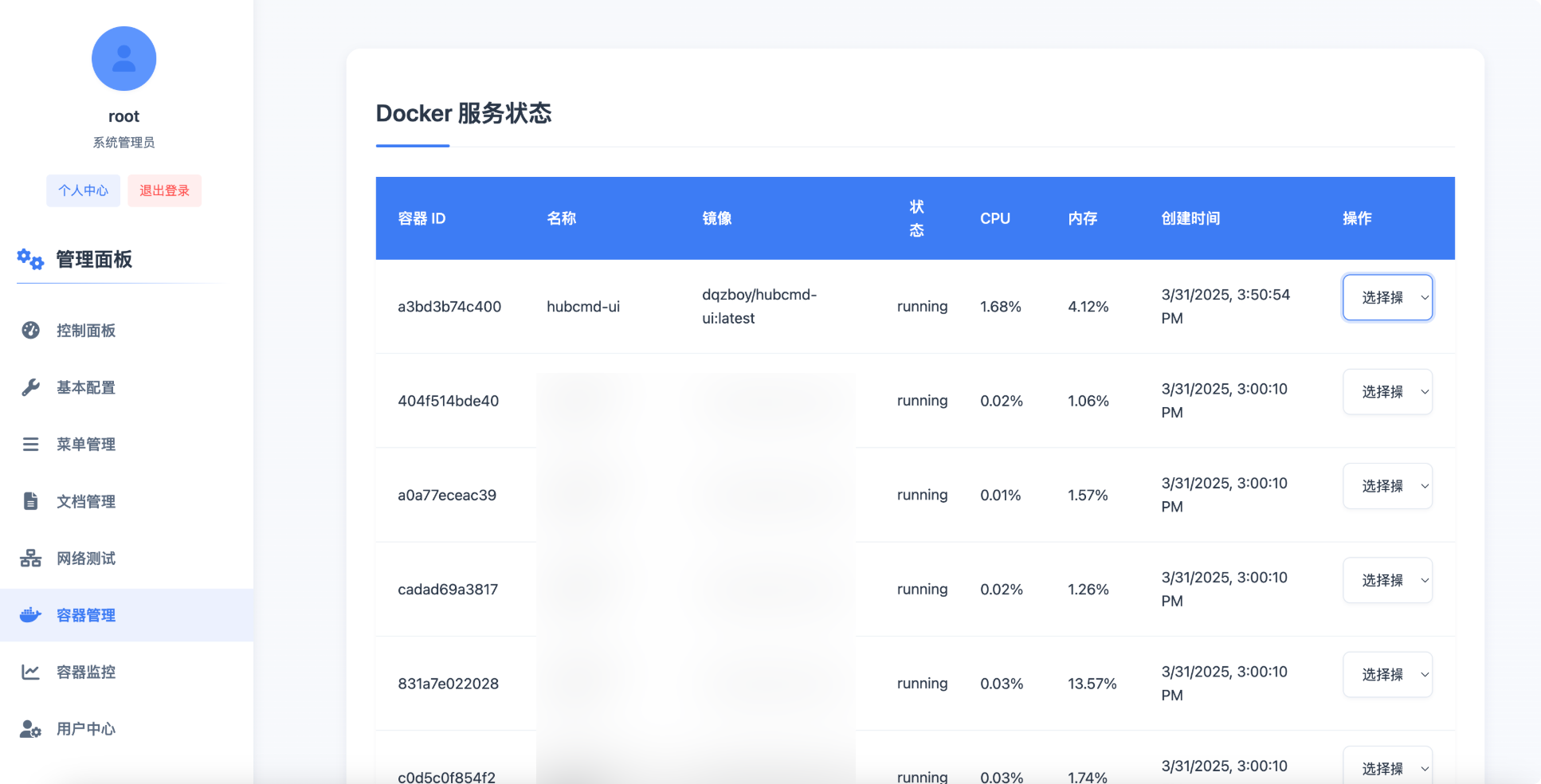 |
💌 Promotion
| 描述信息 | 图文介绍 |
|---|---|
| 提供高性价比的海外VPS,支持多种操作系统,适合搭建Docker代理服务。 |

|
| CloudCone 提供灵活的云服务器方案,支持按需付费,适合个人和企业用户。 |

|
Telegram Bot: Click to contact | E-Mail: support@dqzboy.com
*Only merchants with long-term stable operations and a solid reputation are accepted.
🤝 Contributing
Thanks to everyone who has contributed!
❤ Acknowledgements
This project builds on the work of several open‑source projects including:
License
Docker-Proxy is available under the Apache 2 license