 oiov
oiovFeatures
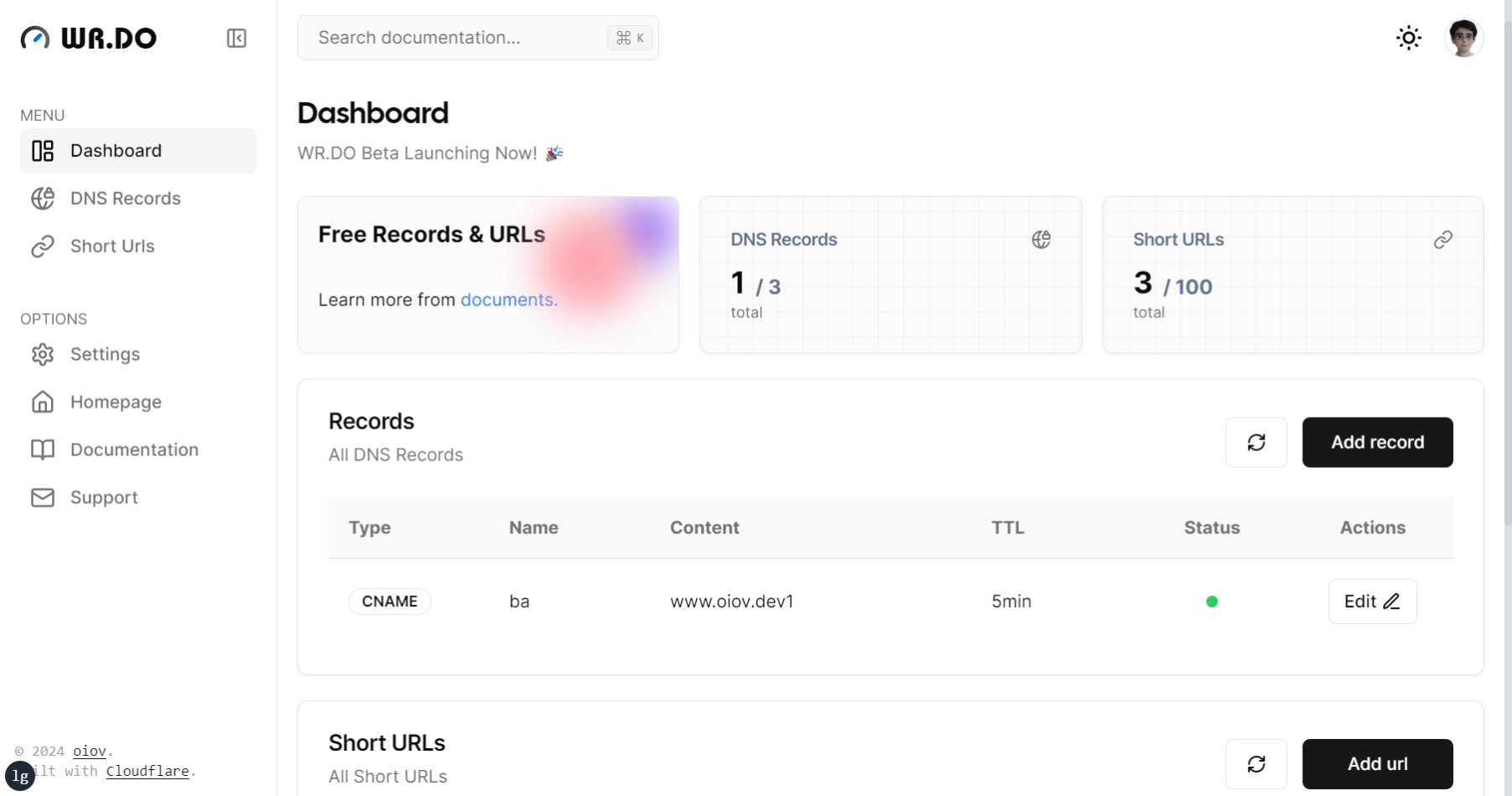
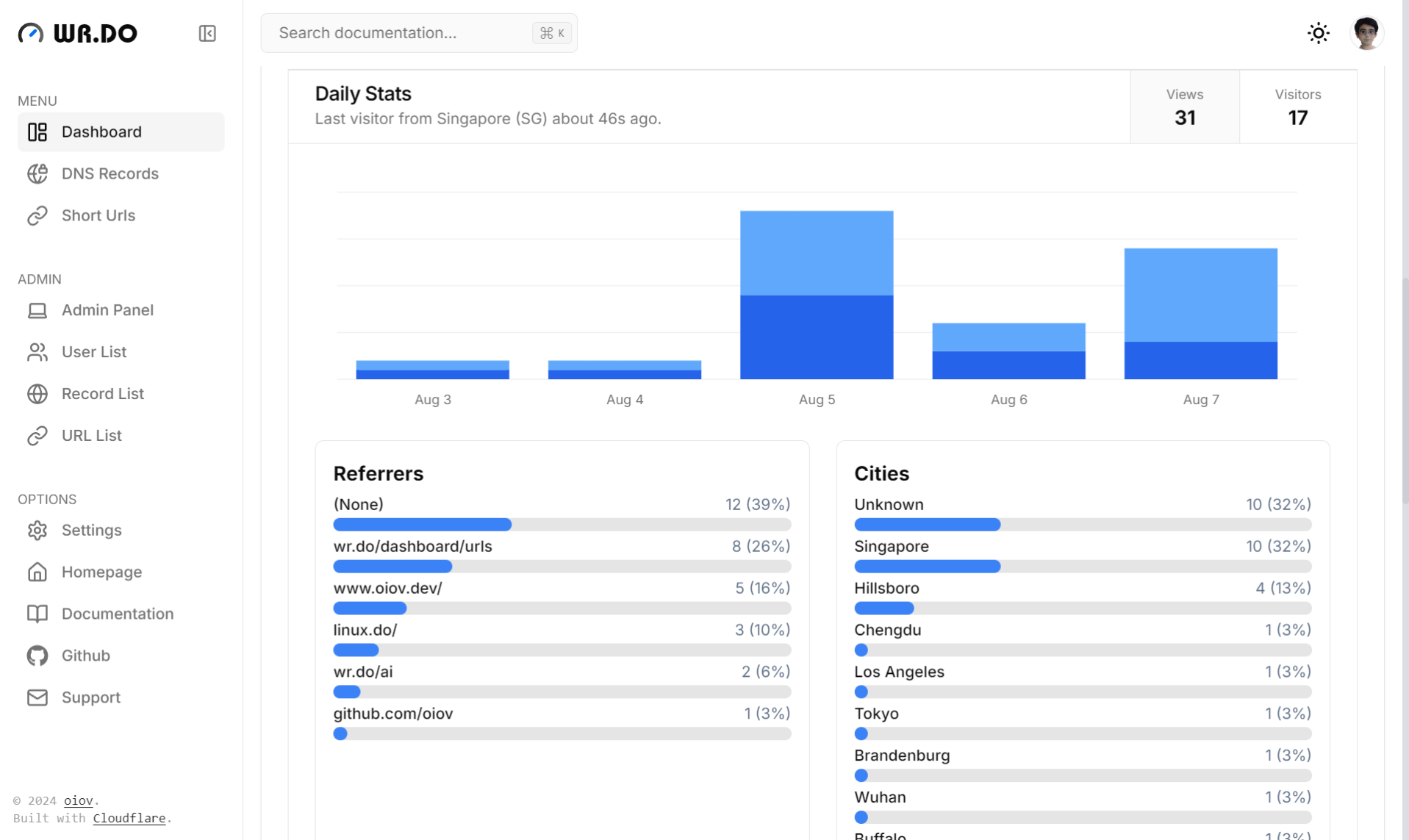
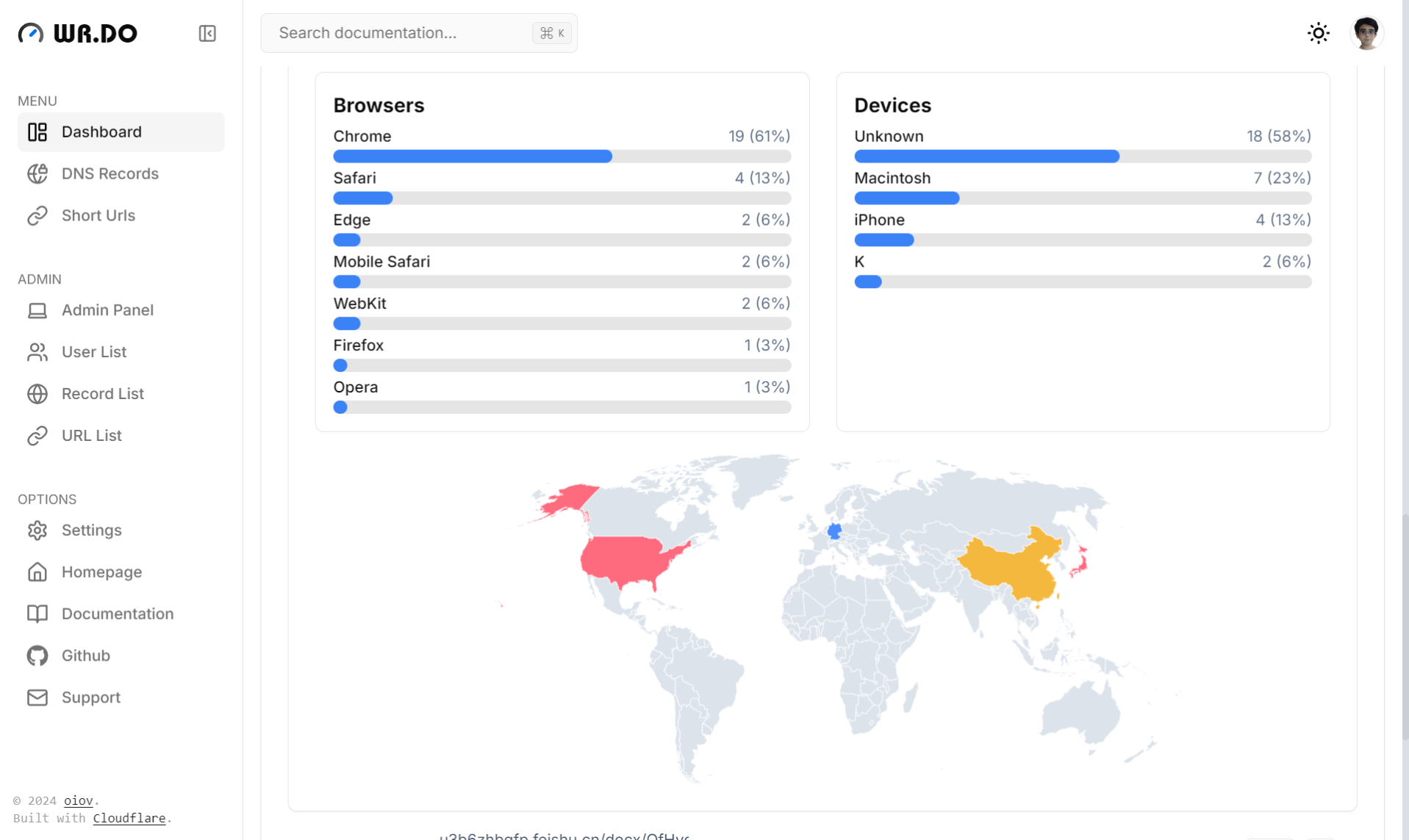
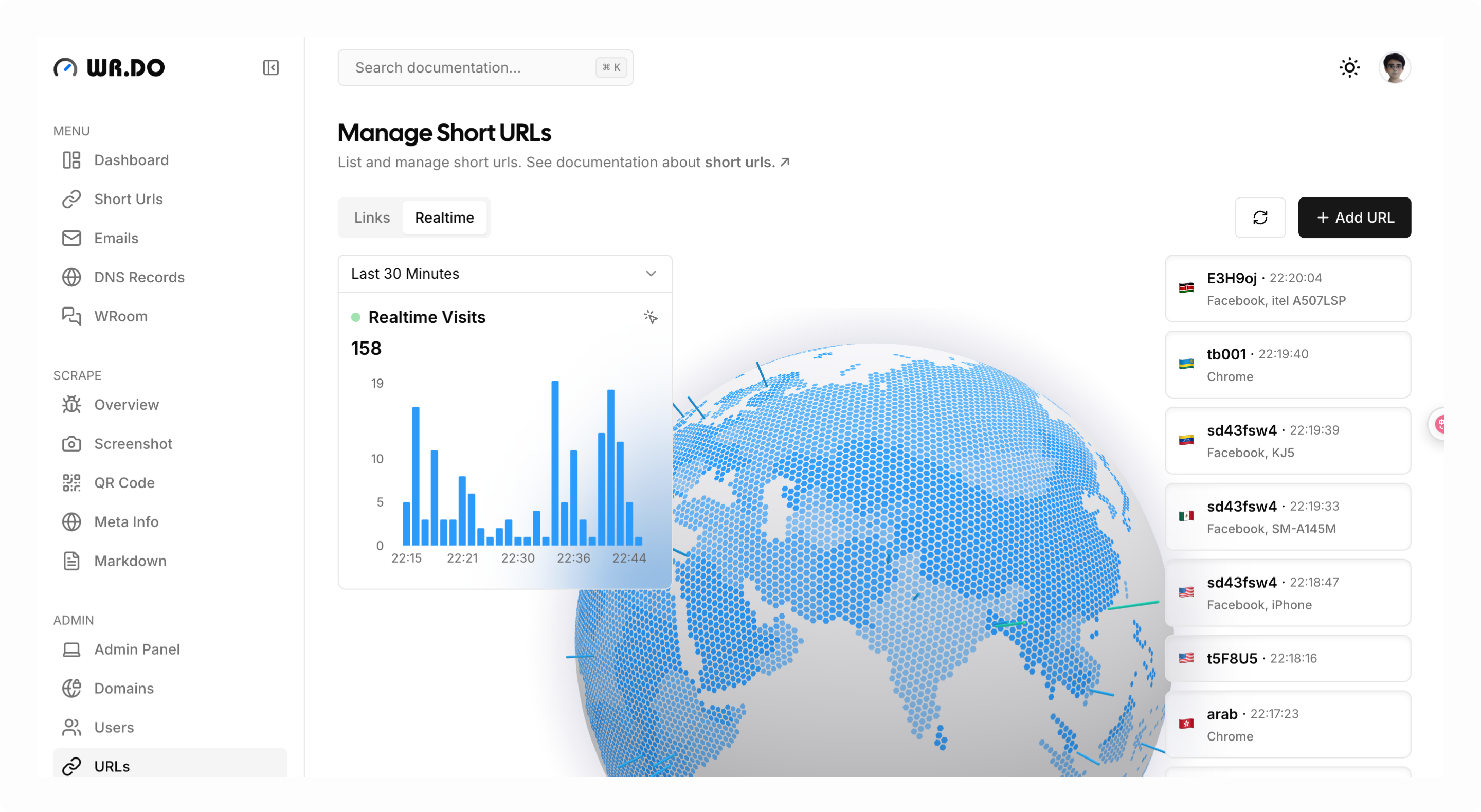
- 🔗 URL Shortening: Generate short links with visitor analytic and password(support api)
- 📮 Email Support: Receive emails and send emails(support api)
- 💬 P2P Chat: Start chat in seconds
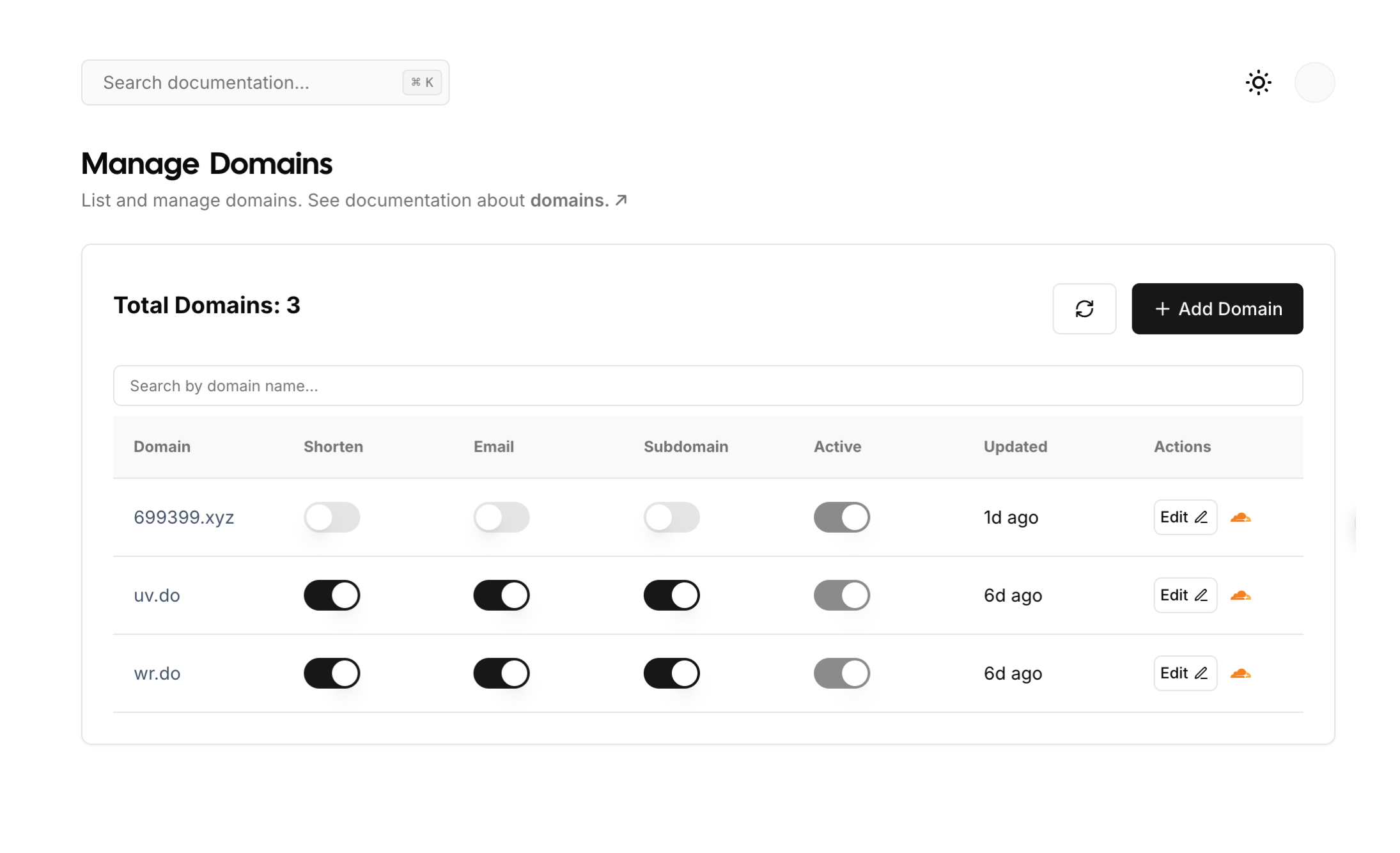
- 🌐 Multi-Tenant Support: Manage multiple DNS records seamlessly
- 📸 Screenshot API: Access to screenshot api、website meta-info scraping api.
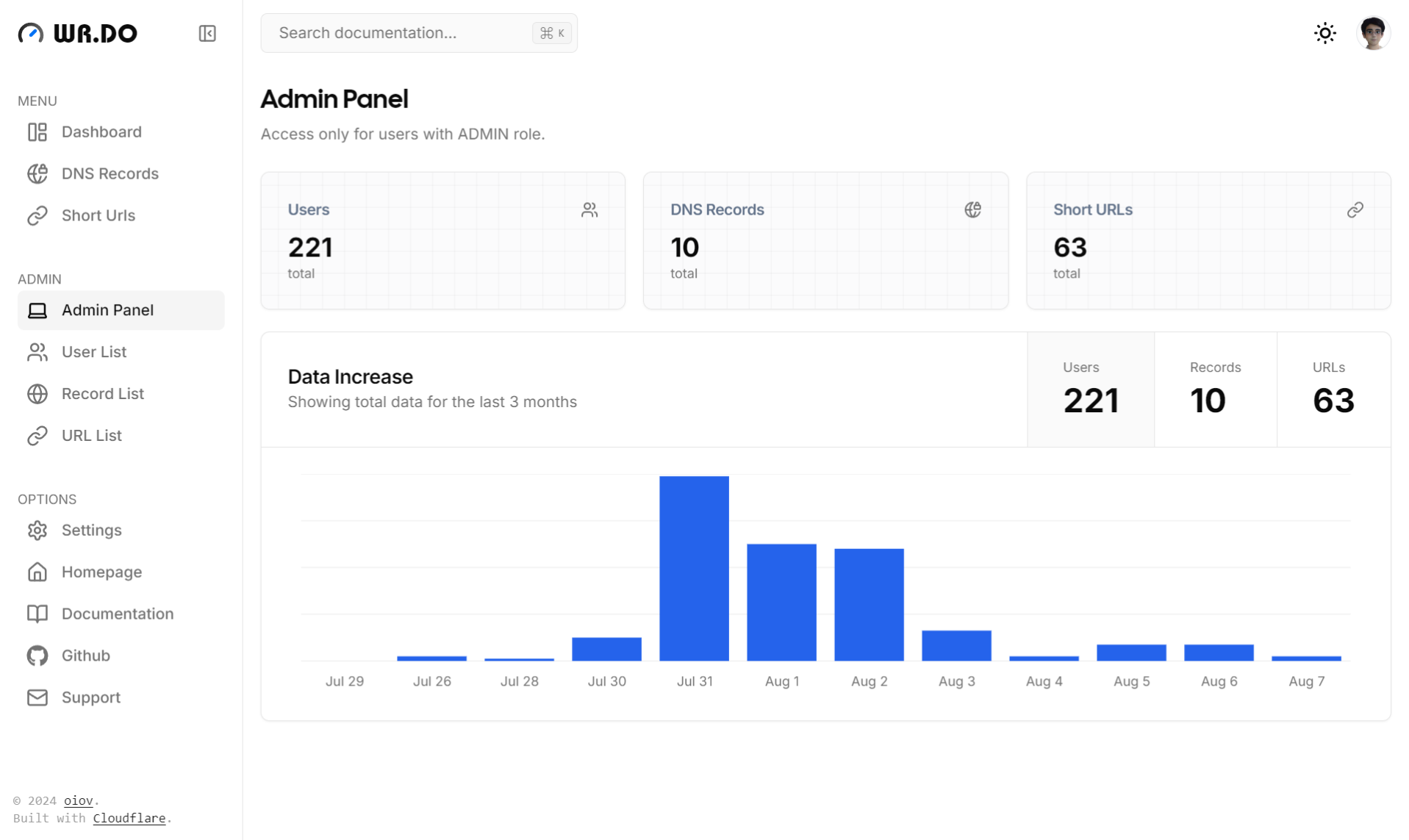
- 😀 Permission Management: A convenient admin panel for auditing
- 🔒 Secure & Reliable: Built on Cloudflare's robust DNS API
Screenshots
 |
 |
 |
 |
 |
 |
Quick Start
See step by step installation tutorial at Quick Start for Developer.
Self-hosted
Deploy with Vercel
Remember to fill in the necessary environment variables.
Deploy with Docker Compose
Create a new folder and copy the docker-compose.yml、.env file to the folder.
- wrdo
  | - docker-compose.yml
  | - .env
Fill in the environment variables in the .env file, then:
docker compose up -d
Local development
git clone https://github.com/oiov/wr.do
cd wr.do
pnpm install
copy .env.example to .env and fill in the necessary environment variables.
# run on localhost:3000
pnpm dev
Init database
pnpm postinstall
pnpm db:push
Setup Admin Panel
Follow https://localhost:3000/setup
Community Group
- Discord: https://discord.gg/AHPQYuZu3m
- 微信群: